

miMind — Easy Mind Mapping

Turn your ideas into clear, shareable mind maps.

A powerful, cross-platform mind-mapping app for brainstorming, project planning, note-taking, studying and more — free to start on every device.

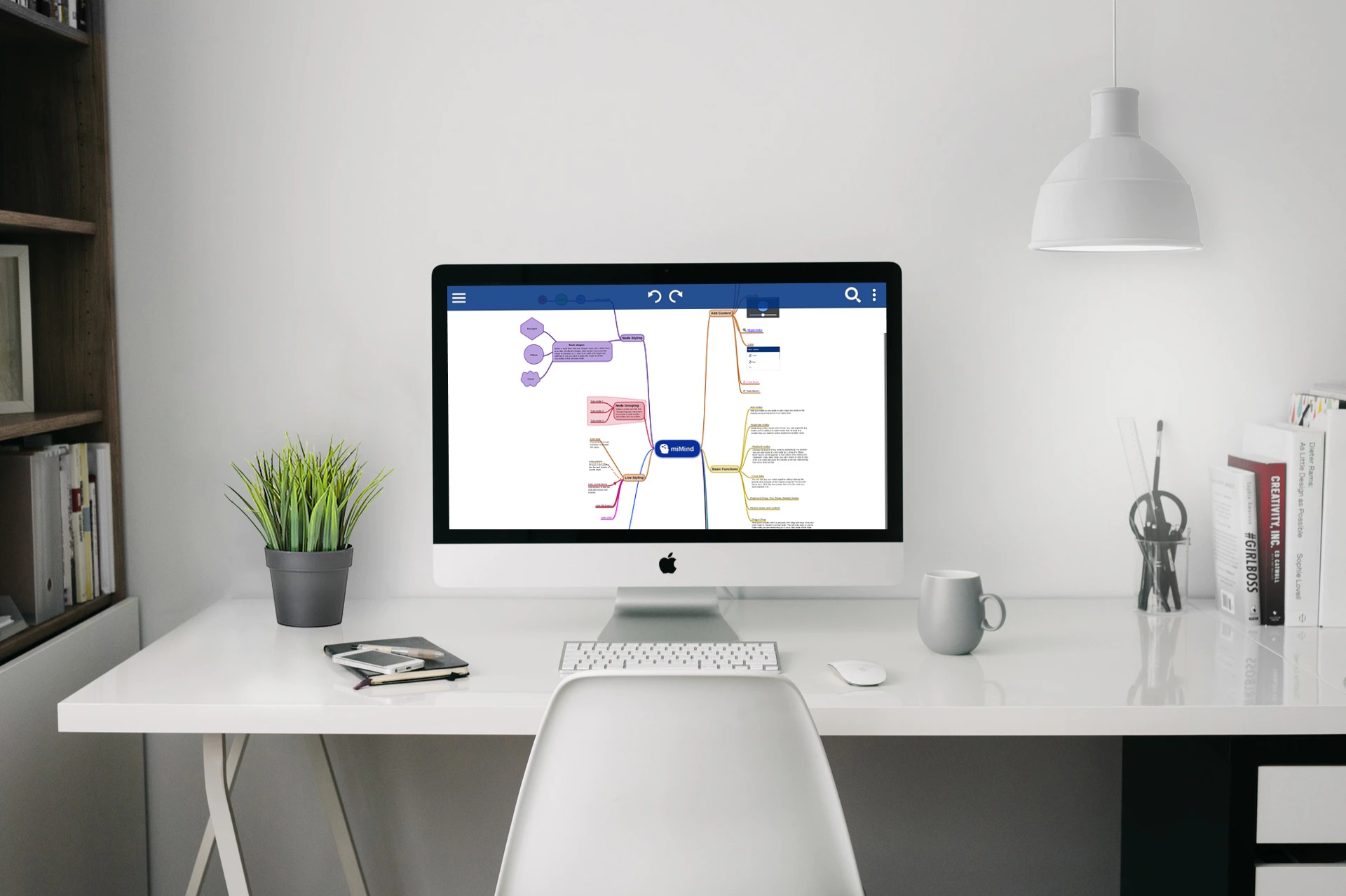
Available on every platform

A miMind mind map

What is miMind?

A powerful mind-mapping tool for creating and sharing ideas — project planning, brainstorming, designing, structuring thoughts, summarizing, presentations and many other creative uses.

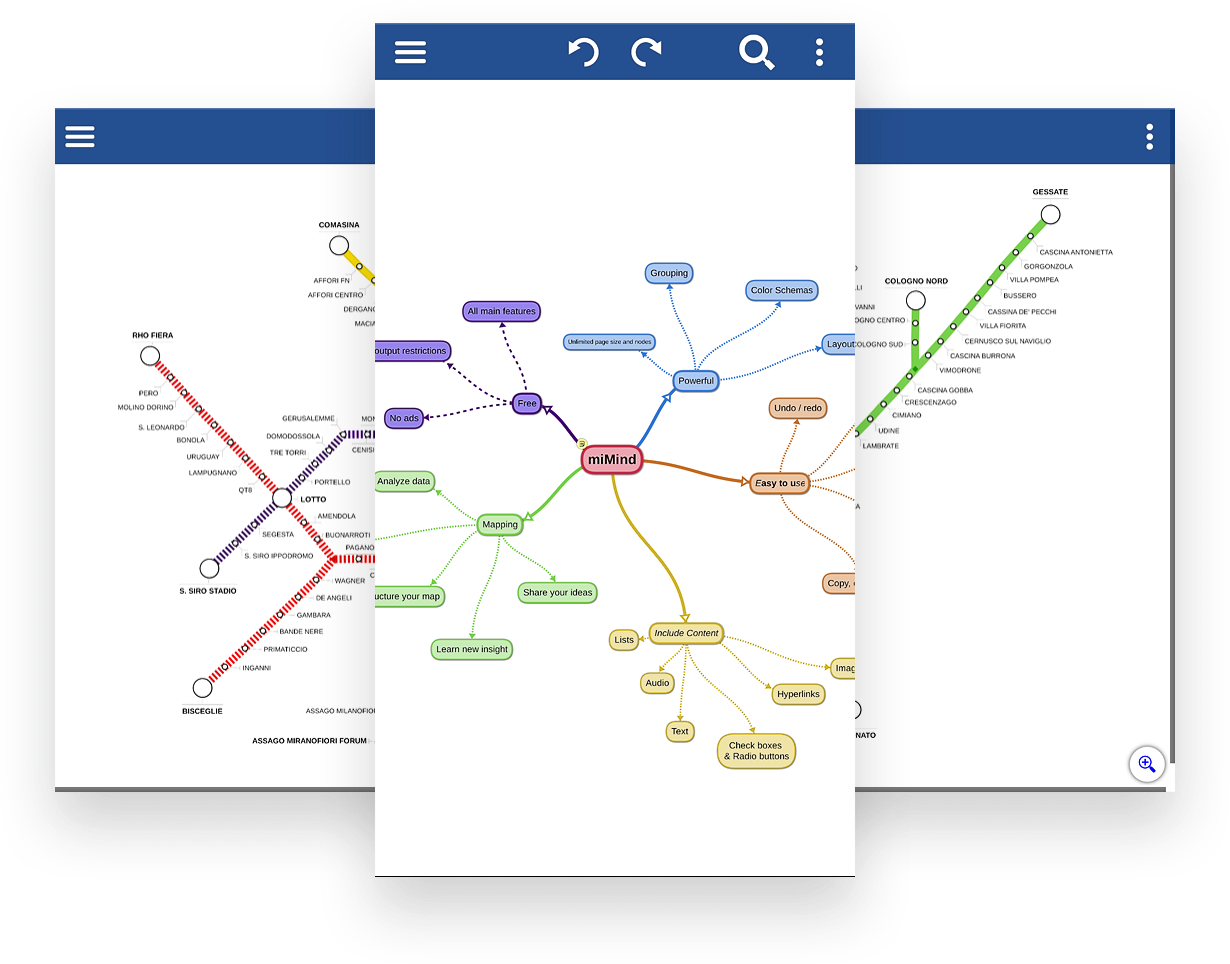
miMind on multiple devices

Where can I download it?

Get miMind for iOS & macOS from the App Store, for Android from Google Play, and for Windows & Linux right here on this site.

miMind premium

How much does it cost?

The base version is free on all platforms. Upgrade to miMind Premium for advanced features — $2.99/month or $24.99/year.

Tell me more about miMind
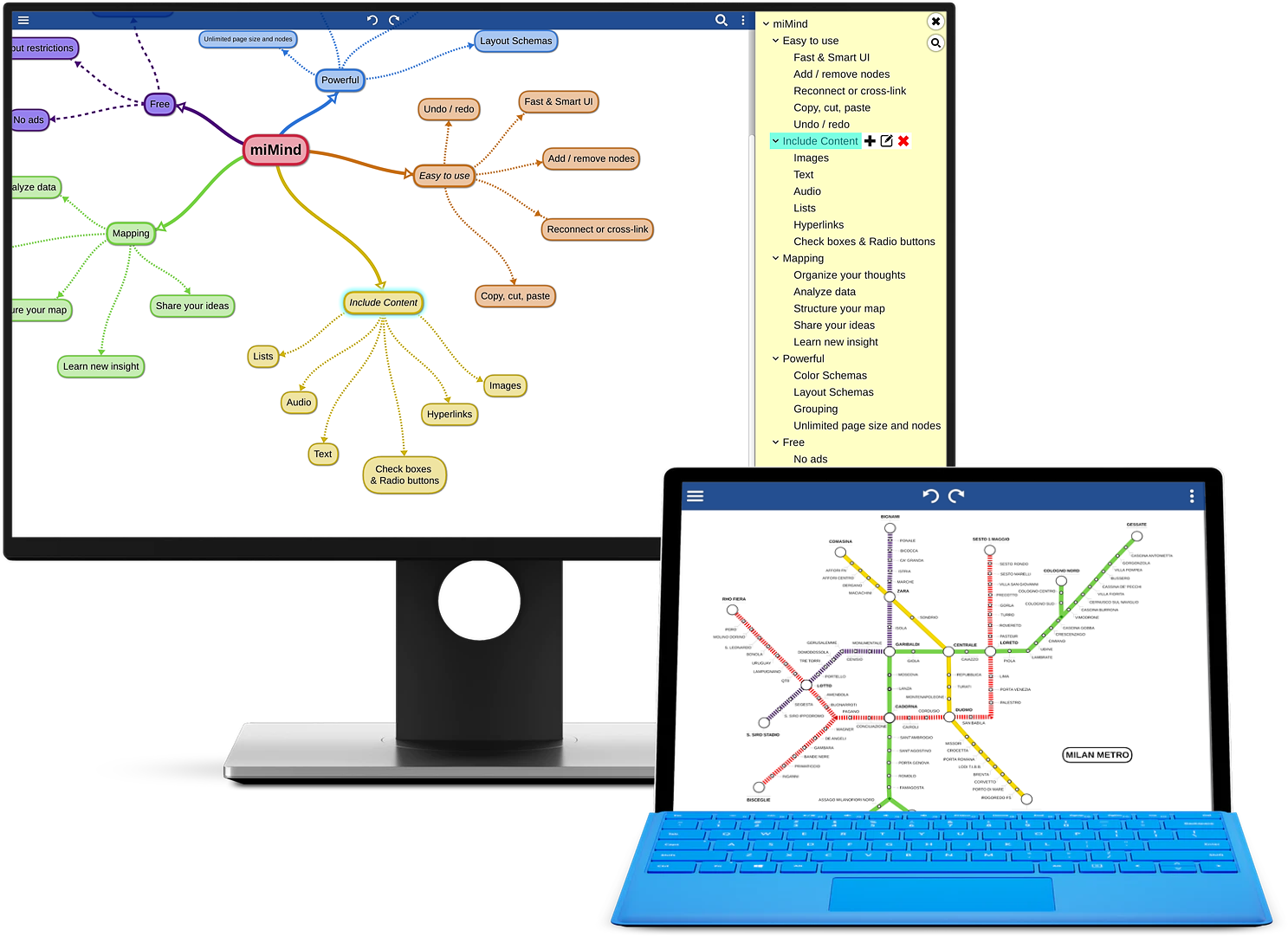
miMind interface

What are the features?

  • User-friendly, intuitive, easy to navigate — a simple, flexible and smart UI
  • Export to many formats: images (JPG, PNG, TGA, BMP), PDF, text and XML
  • No ads, no sign-up required — completely free to start
  • Multi-level, logical, hierarchical frameworks with many layout schemes
  • Lines and curves, plus shapes (square, rectangle, oval, circle, hexagon, cloud, octagon and more)
  • Online backup, storage and restore
  • Copy/paste, duplicate, detach and reattach nodes
  • Undo/redo, collapse/expand, zoom/scroll, crop/rotate and drag-and-drop
What can I use it for?

miMind use cases

Anyone can use it — student, teacher, entrepreneur, artist, professional or hobbyist. A few examples:

  • Note-taking, scrapbooks, slides, presentations and flash cards
  • Project planning and management at work, home and in business
  • Staying focused, goal setting, color-coding, assignments, qualitative analysis and budgeting
  • Creative writing: novels, fiction, speeches and summaries
  • Adding images, audio and memories
  • Maps: topological networks, not-to-scale road maps and vector drawing
  • Trees: multi-layered, binary, radix and decision
  • Diagrams: graph, flow chart, UML class, state, data flow and Venn
  • …and much more — your imagination is the limit.

What’s new

miMind 2.90 (Windows, Android, iOS, macOS)

  • Added folder-management feature
  • Fixed Google Drive connection issue and other cloud improvements
  • Fixed line display for transparent node backgrounds
  • Fixed automatic text-color management
  • Many other improvements and bug fixes

miMind 2.86

  • Fixed templates and added new icons
  • Improved groupings and translations
  • Fixed other bugs and crashes

miMind 2.80

  • New template maps for quick map creation
  • New UI with dark and light modes
  • Landscape orientation for advanced PDF exports
  • UI refined to material-design guidelines and new translations added